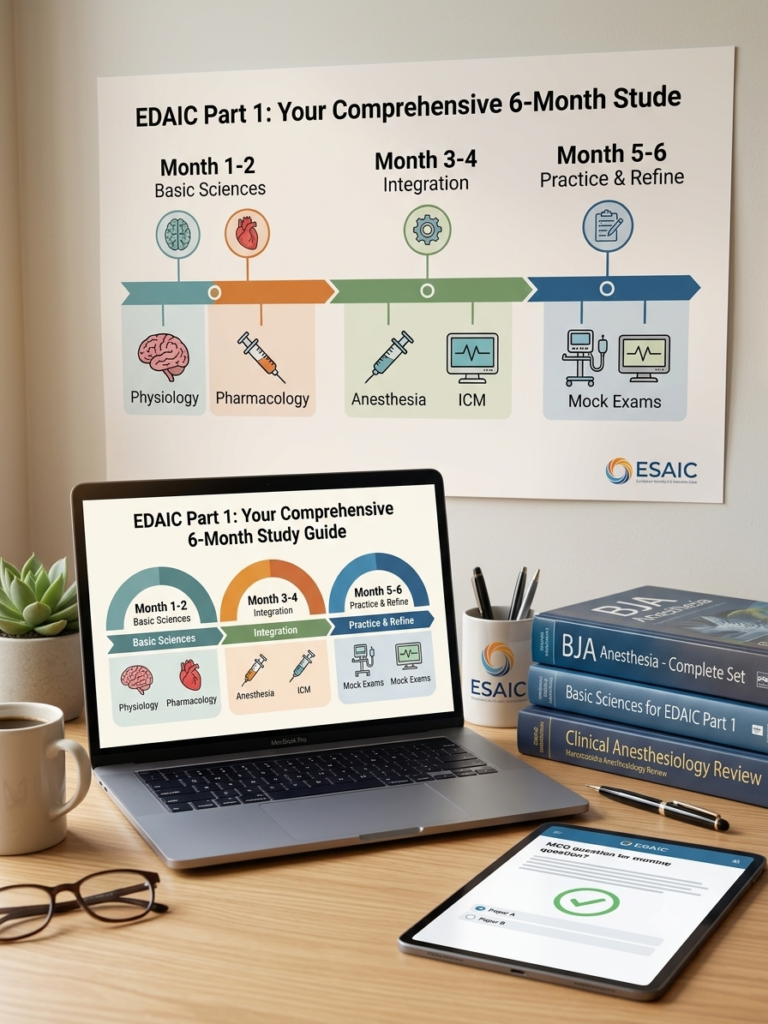
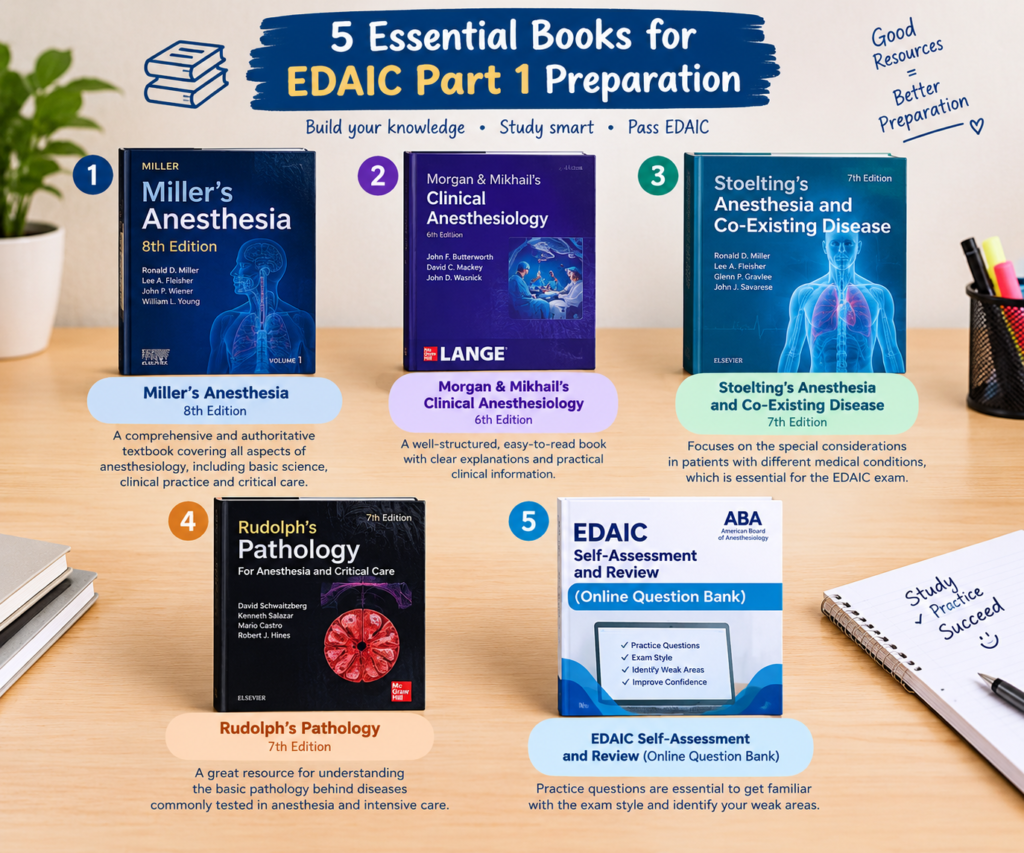
Studying medicine and preparing for anesthesiology specialty exams like the EDAIC or Master’s boards requires managing thousands of pages of lecture slides, anatomical diagrams, and clinical guidelines. Carrying heavy physical textbooks and paper notebooks to the hospital or library is no longer efficient.
Upgrading to a digital note-taking workflow allows medical students and residents to annotate PDFs, build visual Anki flashcards, organize Ninja Nerd lecture notes, and keep an entire medical study library right inside a lab coat pocket or backpack.
In this guide, we review the best tablets and digital accessories for medical study available on Amazon to help you choose the right tools for your medical education journey.
1. Apple iPad Air (M2) / iPad Pro 11-inchta
Table of Contents
Best Overall Tablet for Medical Students & Residents
The Apple iPad remains the gold standard in medical education. Paired with note-taking apps like GoodNotes, Notability, or AnkiMobile, it allows you to easily mark up textbook PDFs, draw anatomical diagrams, and review high-yield flashcards during hospital downtime.
- Screen Size: 11-inch (ideal size for reading PDFs and carrying in hospital clinical coats)
- Performance: Powered by the M2 chip for smooth multitasking between lectures, textbooks, and video lessons.
- Why Medical Students Love It: Seamless integration with Apple Pencil and unmatched app ecosystem tailored for medical annotation.
2. Apple Pencil Pro / Apple Pencil (USB-C)
The Ultimate Digital Pen for Precise Medical Diagrams
If you choose an iPad, getting an original Apple Pencil is essential. From sketching brachial plexus nerve branches to highlighting anesthesia pharmacology guidelines, the pressure sensitivity and palm-rejection technology make writing feel as natural as traditional pen and paper.
- Key Features: Low latency, precise pixel accuracy, magnetic charging, and double-tap tool switching.
- Pro-Tip for Anesthesia Study: Use different highlighter colors for physiology mechanisms, drug dosages, and clinical side effects.
3. Paperlike Screen Protector
Best Paper-Feel Screen Protector for Long Writing Sessions
Writing on smooth glass for hours can feel slippery and fatigue your wrist. A matte paper-like screen protector adds precise friction and tactile resistance, making digital handwriting feel like writing in a real paper notebook while reducing screen glare under harsh hospital lighting.
- Key Benefits: Reduces glare, eliminates fingerprints, and dramatically improves handwriting accuracy during rapid note-taking.
4. Samsung Galaxy Tab S9 FE / S9
Best Android Tablet for Medical Study & PDF Annotation
For medical students who prefer Android, the Samsung Galaxy Tab S9 series is the top choice. Unlike the iPad, it comes bundled with the S Pen in the box, saving you money on extra stylus purchases.
- Display: Vibrant AMOLED/LCD display with eye-care technology to reduce strain during late-night exam cramming.
- Included Stylus: S Pen with zero latency and smooth handwriting integration with apps like Samsung Notes and Touchnotes.
5. Bluetooth Wireless Folding Keyboard
Best Portable Typing Accessory for On-the-Go Medical Study
When you need to type up patient history summaries, blog posts, or long revision essays for Master’s examinations, a compact wireless keyboard turns your tablet into a lightweight laptop replacement.
- Portability: Folds flat to fit easily inside your study bag or backpack.
- Compatibility: Works seamlessly across iOS, Android, and Windows devices.
Summary: Building Your Perfect Digital Study Setup
Transitioning to a digital note-taking system saves time, declutters your desk, and ensures your critical study notes are backed up safely on the cloud wherever you go.
- For maximum app compatibility & performance: Go with the Apple iPad Air M2 + Apple Pencil Pro.
- For best value with included pen: Choose the Samsung Galaxy Tab S9 FE.
- Essential add-on: Do not forget a Paperlike screen protector to preserve your handwriting comfort during long study sessions.